Get more free classroom resources
Enter your email to access the full free resource bundle.
Get free access →Escape Room Vol. 1
LemonAppStand – Escape Room Vol 1.
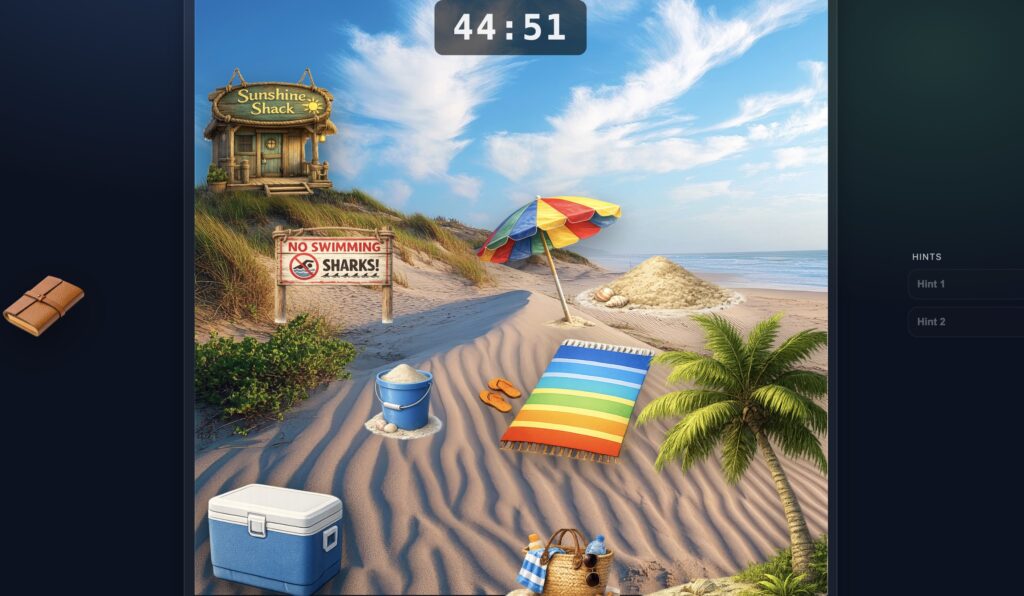
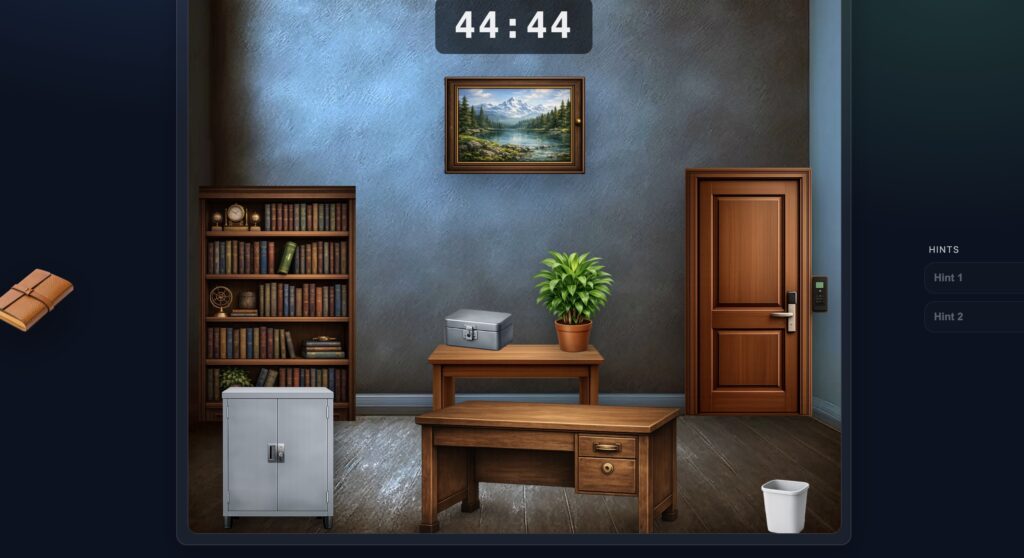
Turn review time into an adventure. Our customizable digital escape rooms let you add your own questions and challenge students to solve puzzles, unlock clues, and work their way through the room — all with minimal prep.
Directions
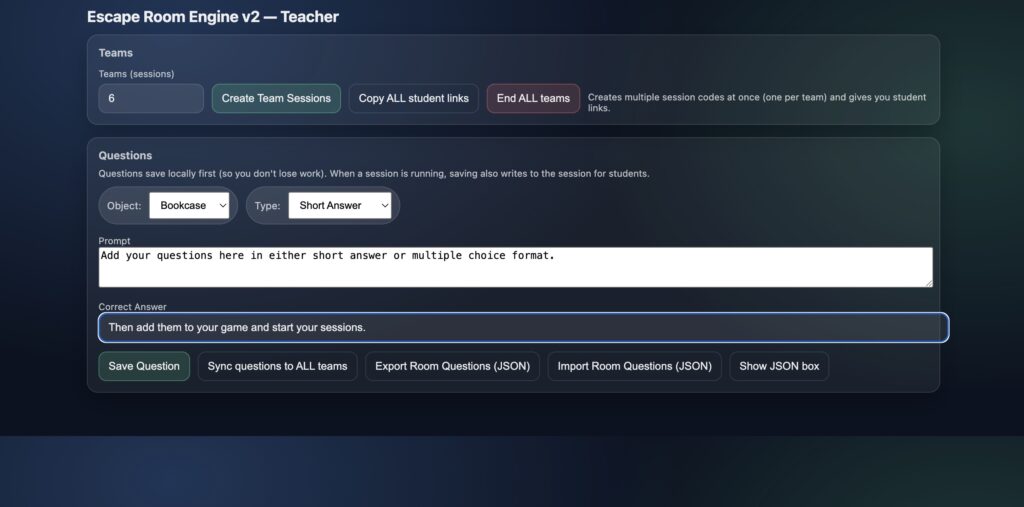
- The teacher creates a set of 7 multiple-choice or short-answer questions. The difficulty of the questions determines how long the game will take students to complete.
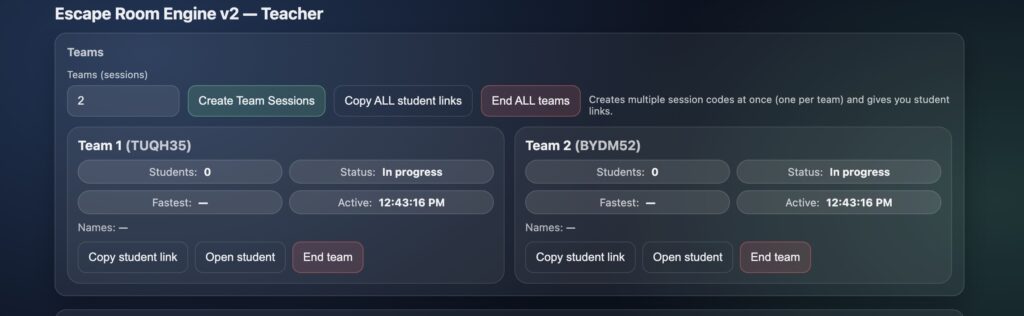
- Create two or more sessions and attach your question set to each one.
- Share the game link with students, or create multiple links to post directly in Google Classroom.
- Each student (or team sharing one device) receives one unique code to join their session.
- Students enter the code and type their first name, nickname, or team name (one word only) to join the game.
- When the game begins, each student or team will have 45 minutes to complete the escape room.
- Completion times are recorded on the teacher dashboard, allowing you to view results and determine the winner.
- Two hints are available for the final puzzle if students need extra help escaping.
Escape Room Vol. 2
New escape room coming soon! A fresh set of puzzles and clues is almost ready for your classroom.